
Search Website
NCB 284
Capacity: 42
Room Type: Collaboration Space
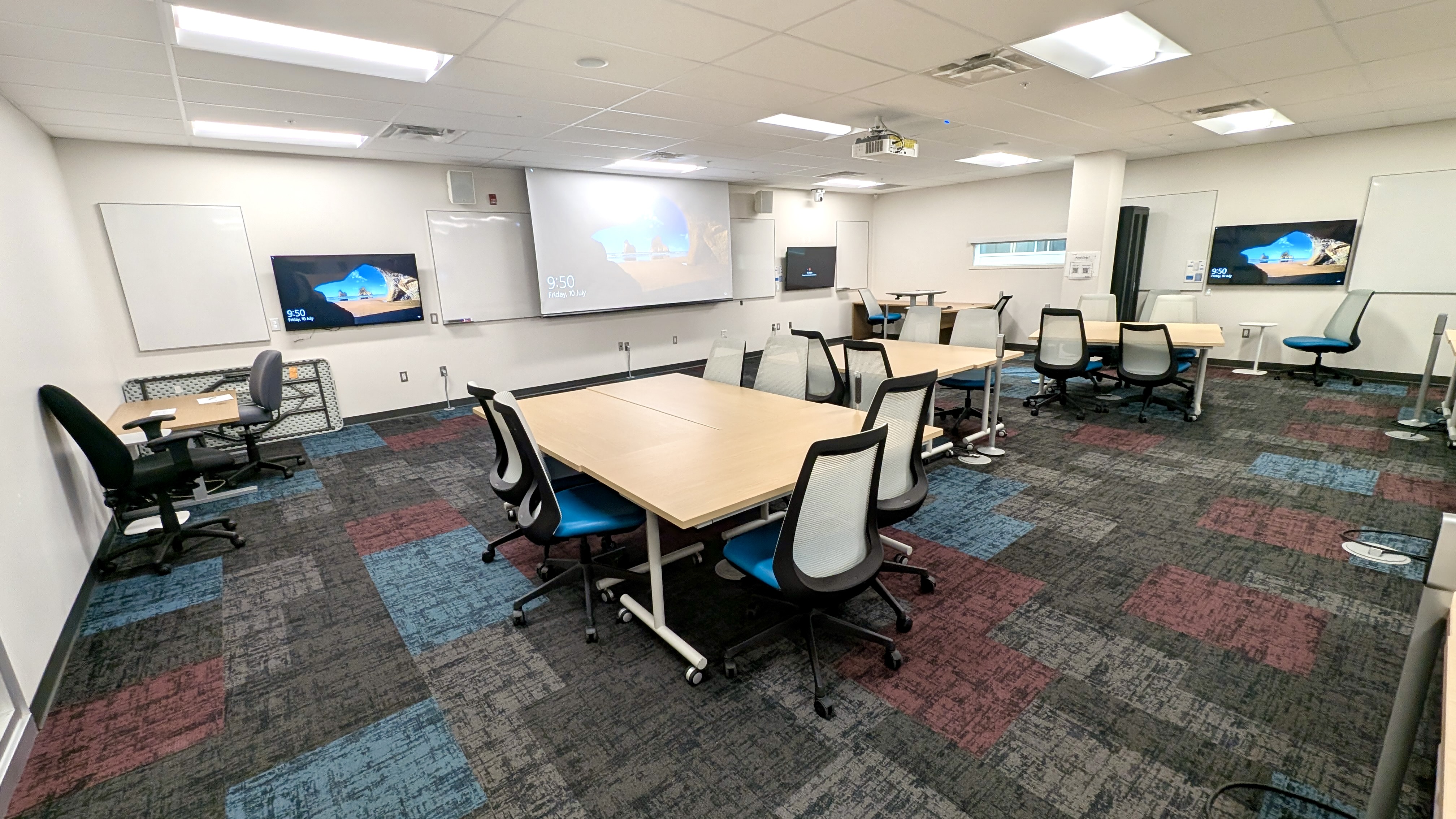
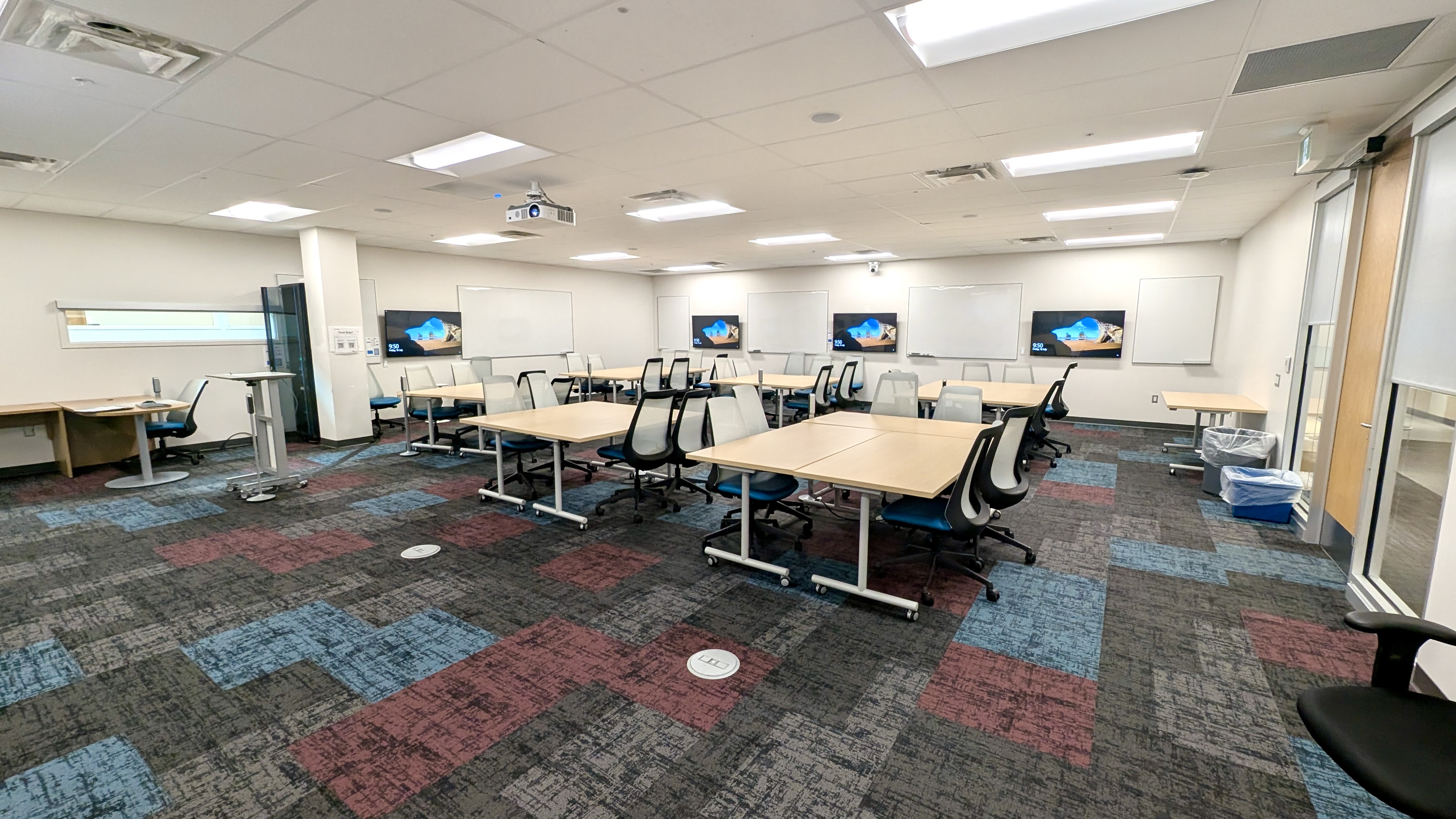
This multi-purpose space is primarily used as a classroom, but can also be used for meetings, poster sessions, or other collaborative uses.
You can also use Zoom with the hardware in this room. Please refer to the "Zoom Instructions" link for important guidelines.
Facilities:
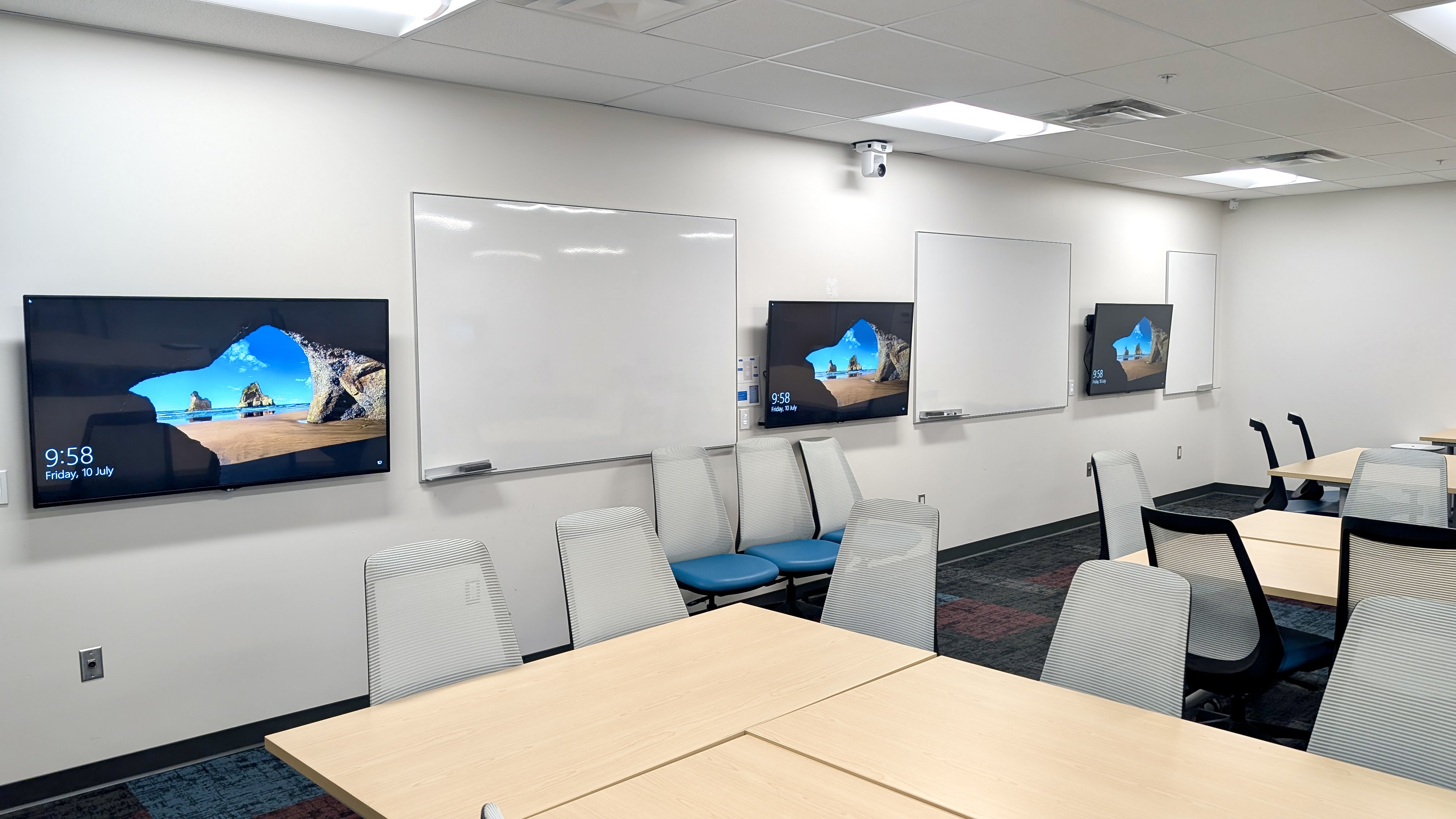
- 7 x 55" LG TVs ( Wall Controls)
- Configurable tables and chairs arrangement
- Wireless connectivity
- HDMI connectivity
- Projector
- Motorized projection screen
- Whiteboards
- Light dimmers
- Portable power connectivity
- RFID-controlled room access
HOW TO Use The Classroom
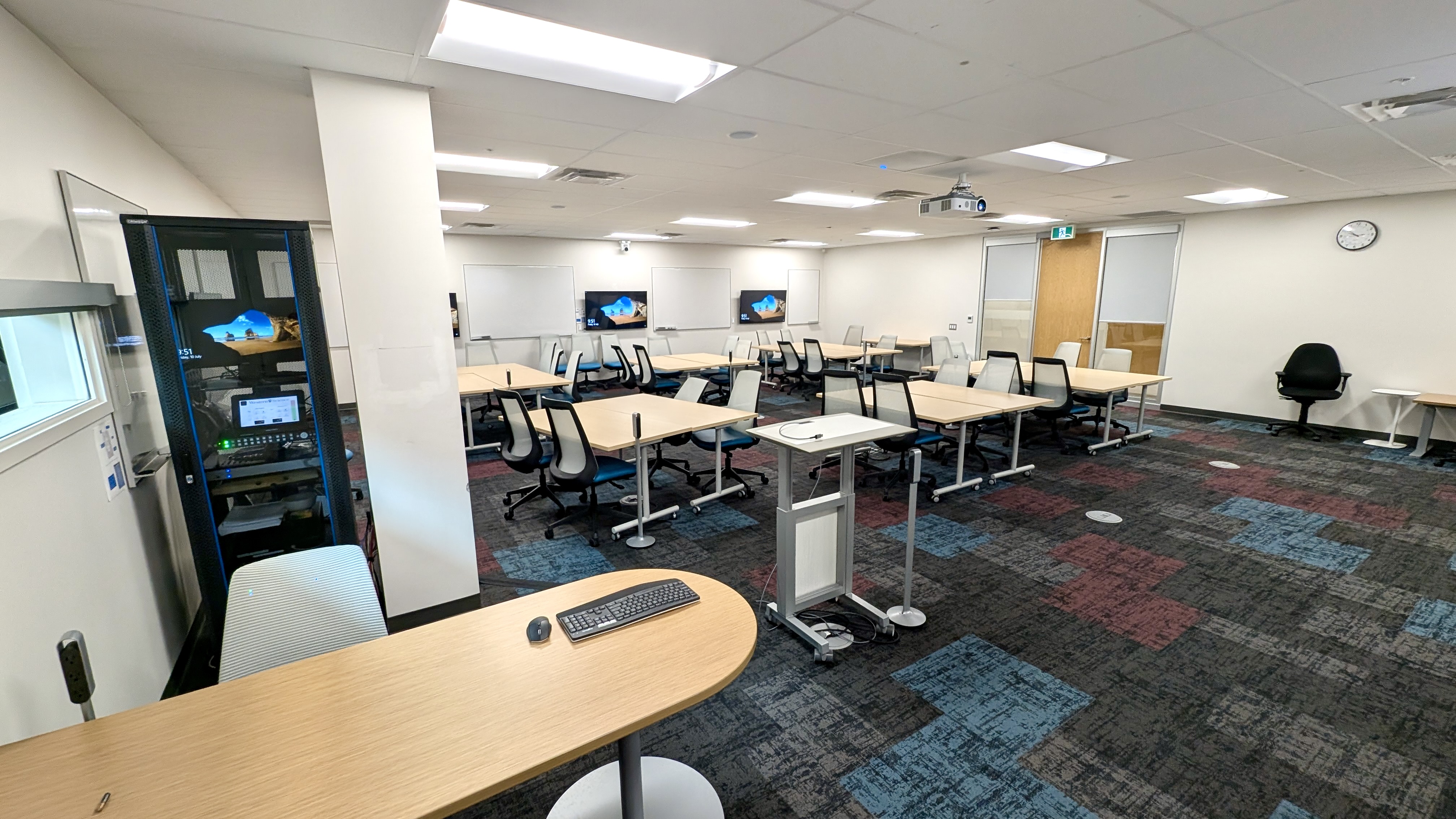
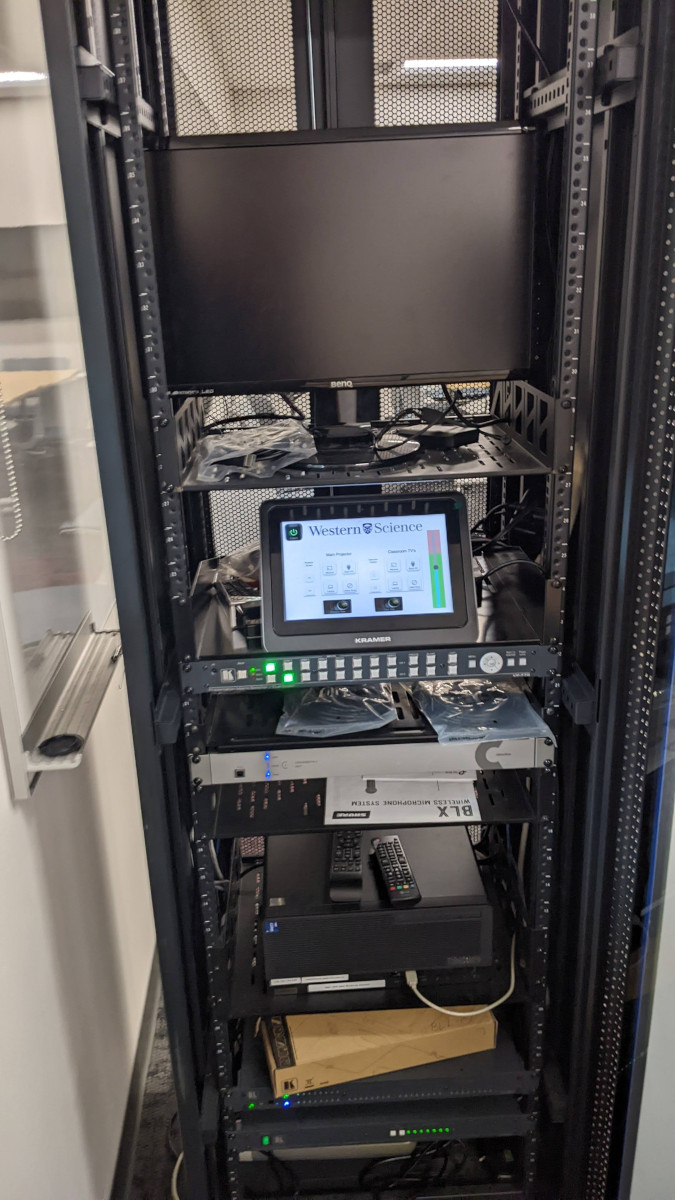
Most of the classroom functions are controlled from the AV Control Panel which is located inside the computer/AV rack which is located beside the pillar near the front/right side of the room.
The rack door is not locked, so you can just open the rack to access the control panel.
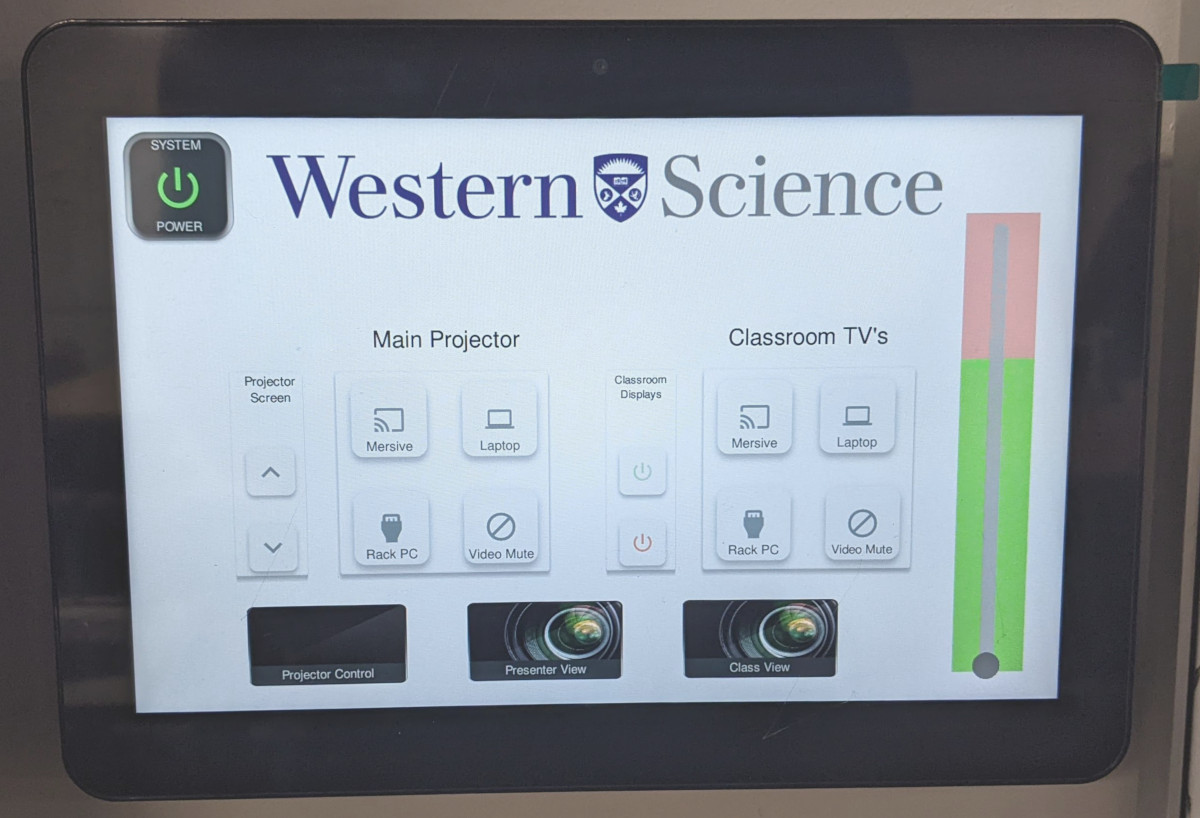
- Touch the System Power icon to Turn on the Projector, Turn on all the Classroom TVs, and Lower the Projection screen. Touch it again, to turn everything off
- On the left, under Main Projector you can choose what is displayed with the main projector: The Mersive Solstice (Wireless Video option), The Rack PC, or a Presenter's Laptop, or you can Mute the signal.
- On the right, under Classroom TV's you can choose what is displayed on the classroom displays.
- There are also labelled manual controls to raise/lower the screen, and to power on/off the classroom TVs
- On the front desk is a keyboard/mouse for controlling the Rack PC. The monitor for this PC is inside the Rack
- You can use your UWO username and password to login to the PC
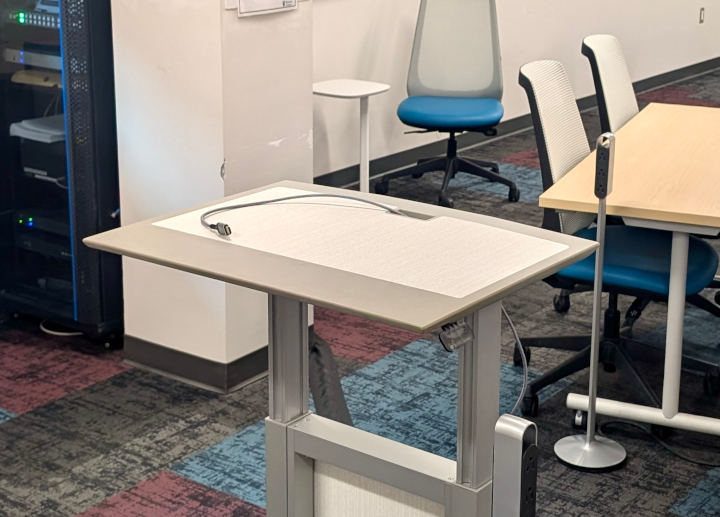
- There is an HDMI cable on the front podium, for connecting a presenter laptop. This is connected to the Laptop option on the main control panel
Classroom Features Disclaimer
Images present a general appearance of the space and do not necessarily establish its capabilities and/or available affordances.